

Salesforce
What is Salesforce Agentforce? A practical guide
Agentforce puts AI agents inside Salesforce, working on your own CRM data. What it is made of, where it fits, and what to prepare before you switch it on.
SoftMIVIX Team3 min read
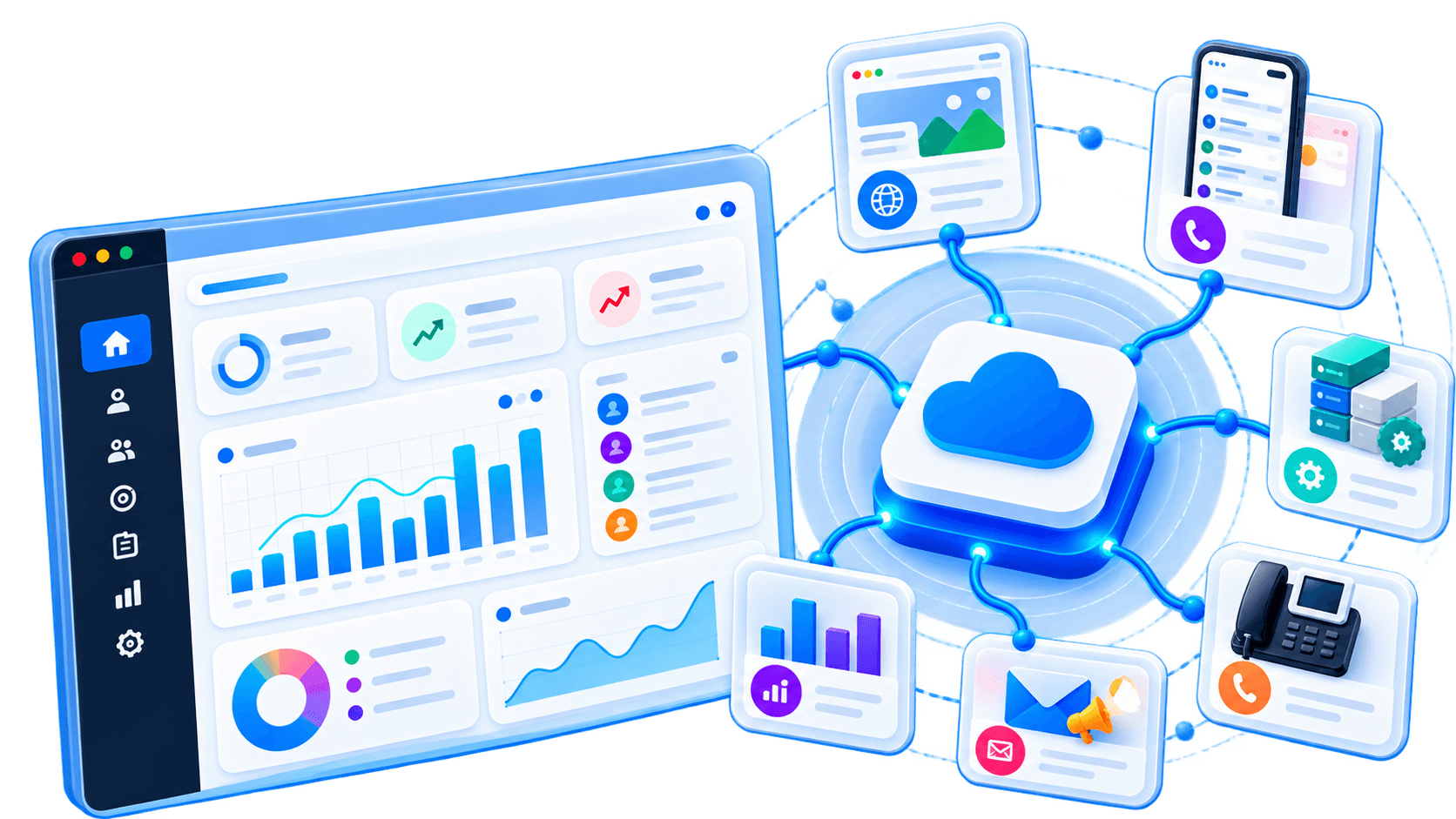
Agentforce is Salesforce's platform for building AI agents that work inside Salesforce itself. Instead of a separate AI tool that copies data out of your CRM, the agent reads and updates the same records, follows the same permissions and runs the same automations your team already uses.
This guide covers what it is made of, where it fits well, and what to get right before you turn it on.
What Agentforce is made of
An Agentforce agent is assembled from a few parts:
- Topics: the jobs the agent handles, such as "order status" or "lead qualification", each with plain-language instructions about what it should and should not do.
- Actions: what the agent can actually do within a topic. Actions are built from things Salesforce teams already know — Flows, Apex, prompt templates and API calls.
- Data grounding: answers and decisions come from your Salesforce records and connected data, not just the model's general knowledge.
- Guardrails: Salesforce routes model calls through its trust layer, and the agent runs with the permissions you assign, like any other user.
The practical consequence: a good Agentforce rollout is mostly Salesforce work — clean data, sound Flows, sensible permissions — with an AI layer on top.
Where it fits well
Agentforce makes most sense when the work already lives in Salesforce:
- Service: answering customers on your site or messaging channels, checking order or case status, and handing over to an agent with full context
- Sales: qualifying inbound leads, answering product questions, and booking meetings for the account owner
- Internal help: letting staff ask questions of CRM data in plain language instead of building another report
If your process lives across several non-Salesforce systems, a custom agent that calls Salesforce as one of its tools may fit better. That is a decision worth making deliberately rather than by default.
What to prepare before you switch it on
Fix the data first. An agent grounded in duplicate accounts, empty fields and stale opportunities will confidently repeat those problems to customers. A data clean-up is usually the first real project.
Start with one topic. Pick a single, high-volume job — order status is a classic — and get it right before adding more.
Write the instructions like a job description. Topics are steered by plain-language instructions. Vague instructions produce vague behaviour.
Decide what needs a human. Refunds, discounts, contract changes and anything legally sensitive should go to a person, at least at first.
Check the current pricing model. Salesforce has changed how Agentforce is priced more than once since launch. Model the cost on your expected volume of conversations or actions before committing, using Salesforce's current terms.
How to measure whether it works
Agree the measures before launch, not after:
- How many requests the agent resolves without a person
- How often a person has to correct or undo what it did
- Customer satisfaction on agent-handled conversations versus human-handled ones
Review the conversation logs weekly in the first month. They show exactly where instructions are unclear or an action is missing.
Getting started
If you already run Salesforce, the fastest path is usually one well-scoped topic on clean data, with a person approving actions until the logs earn trust. We help teams plan and build that as part of our Salesforce consulting and AI agent development work.
- salesforce
- agentforce
- ai agents
- crm